Framer Creator Micro 2
Framer Creator Micro 2
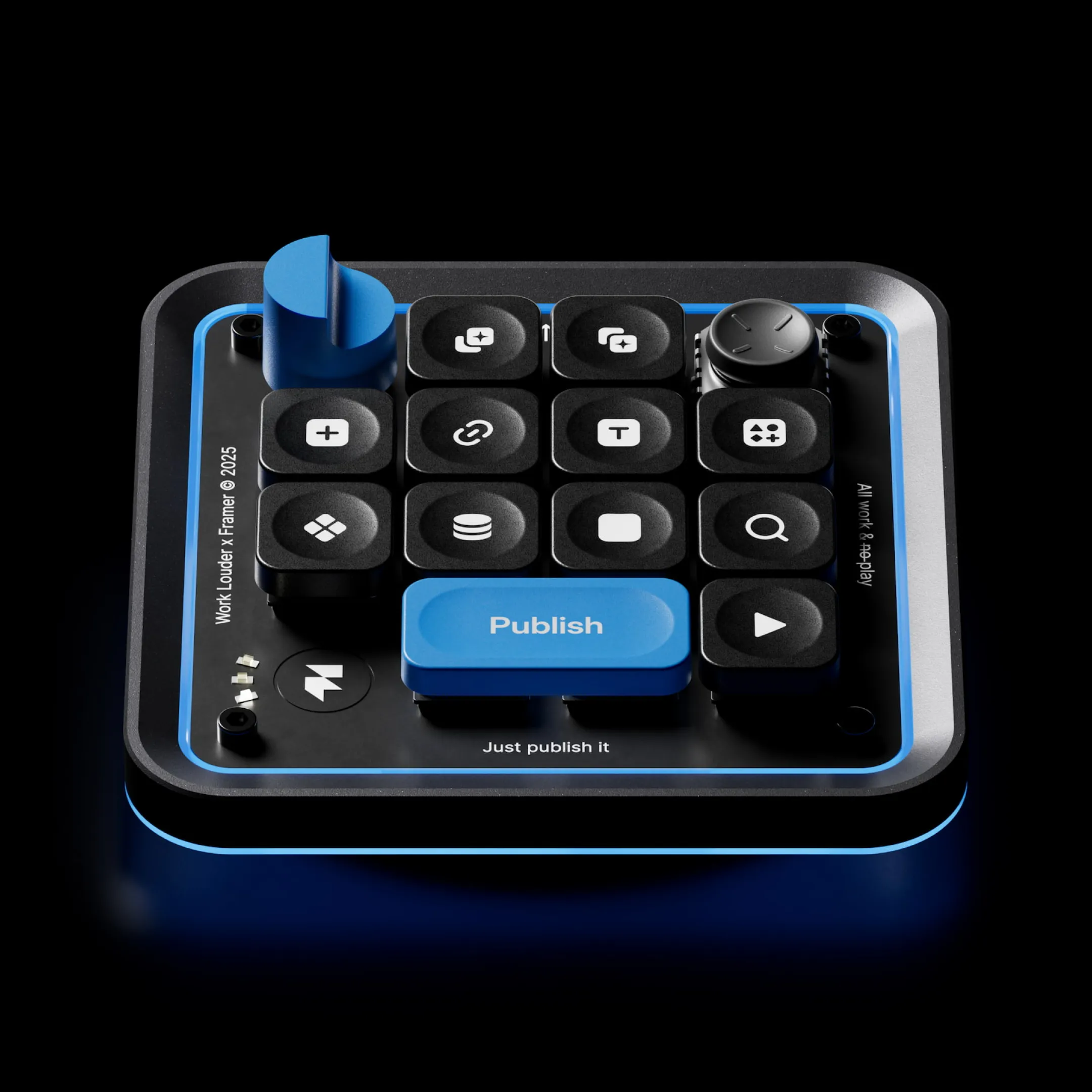
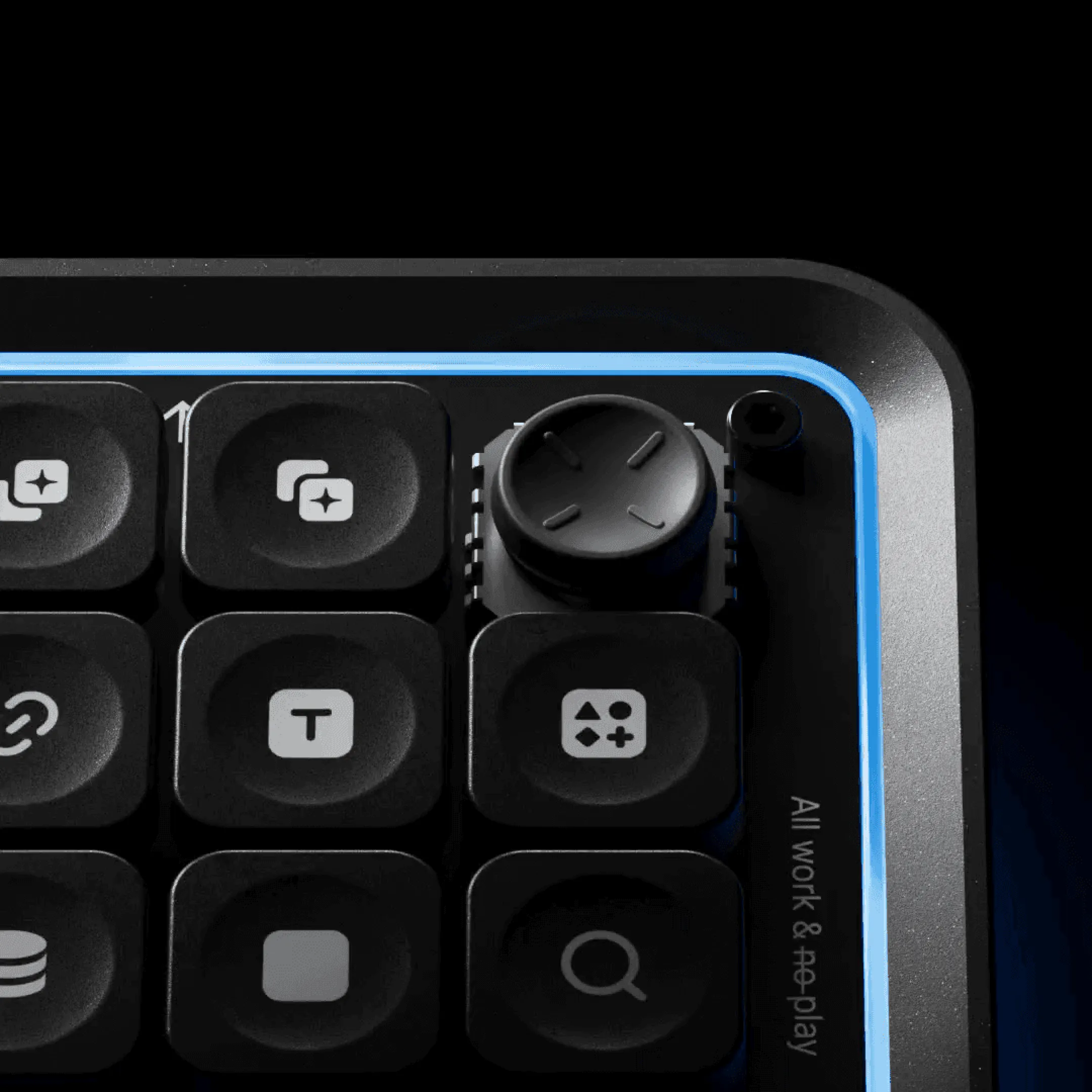
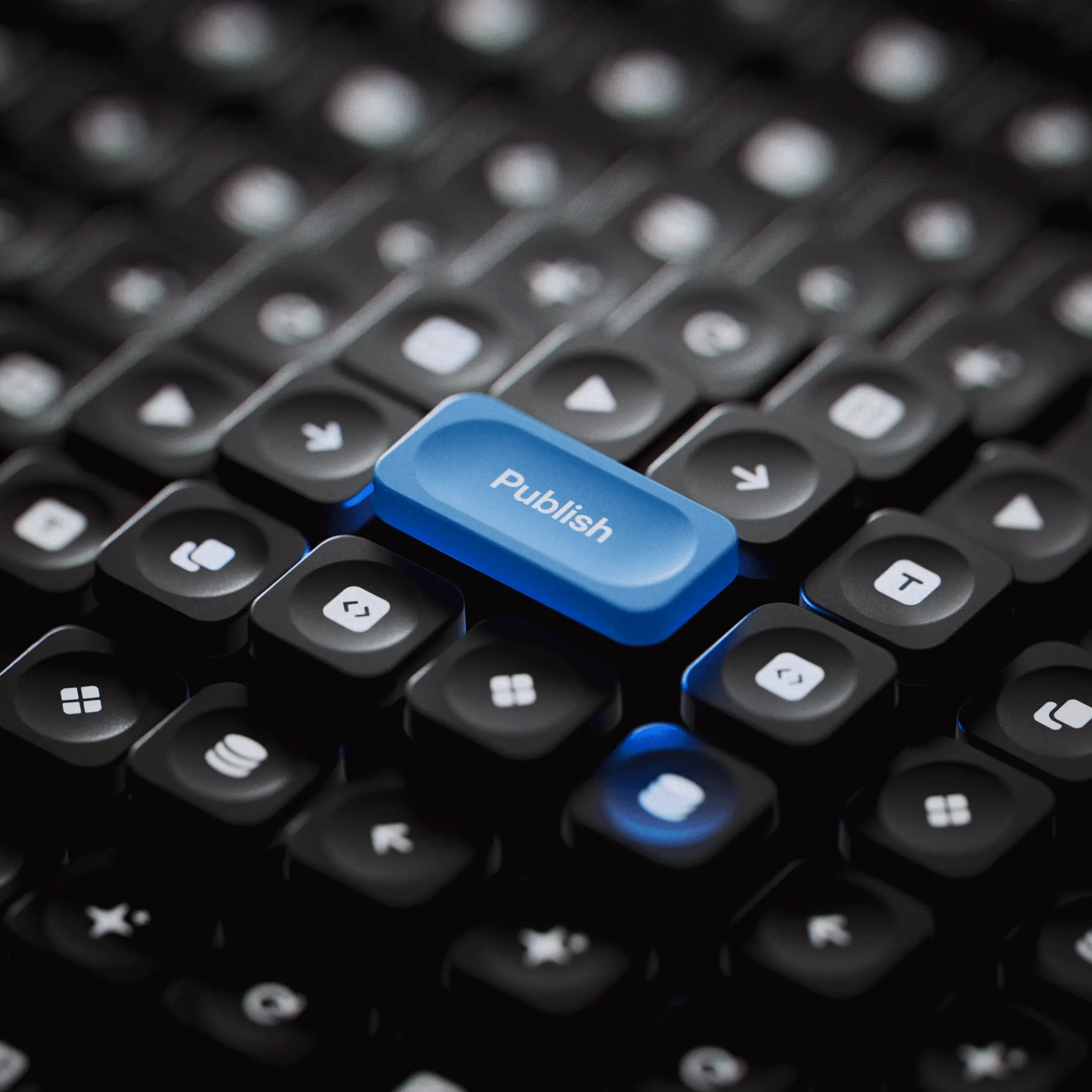
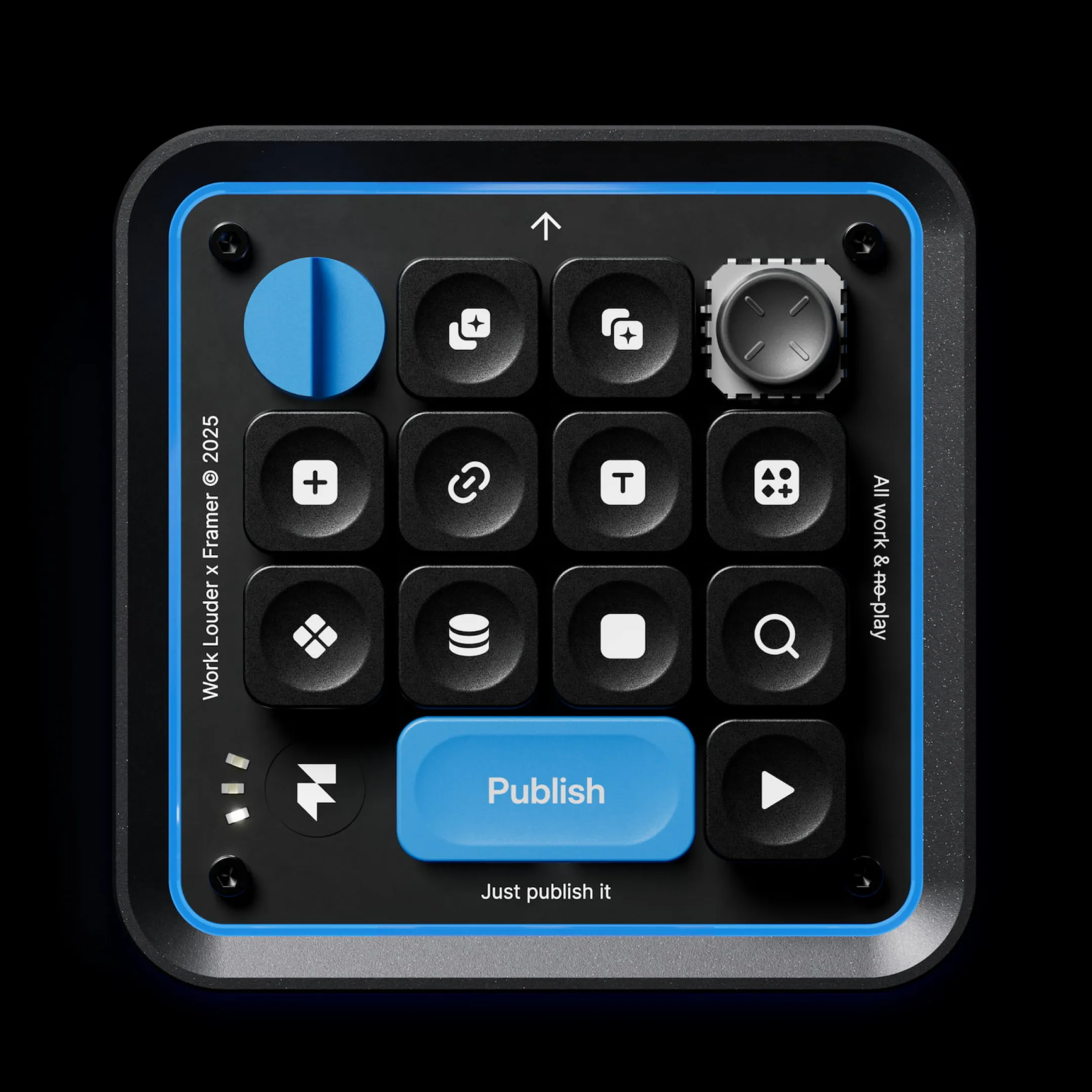
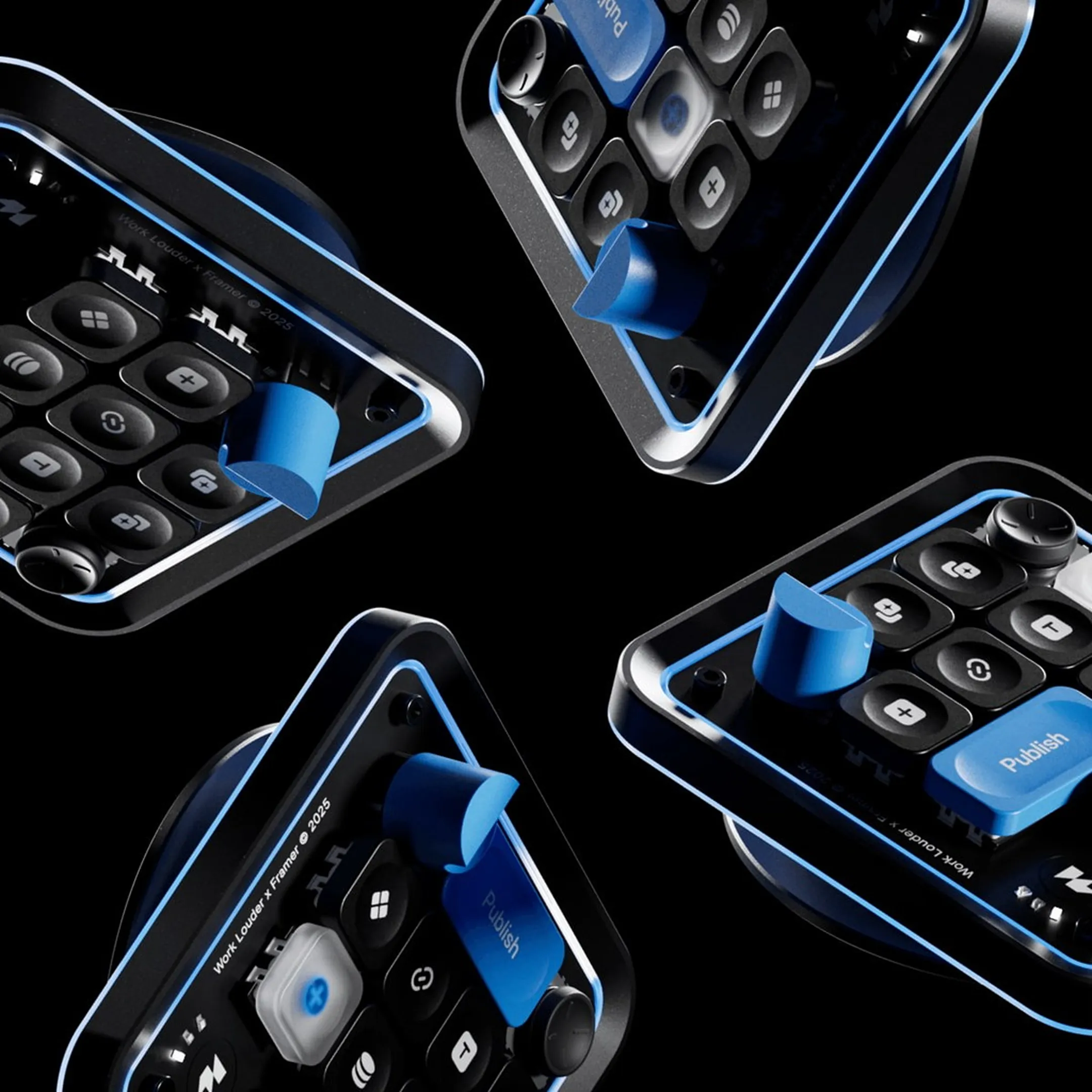
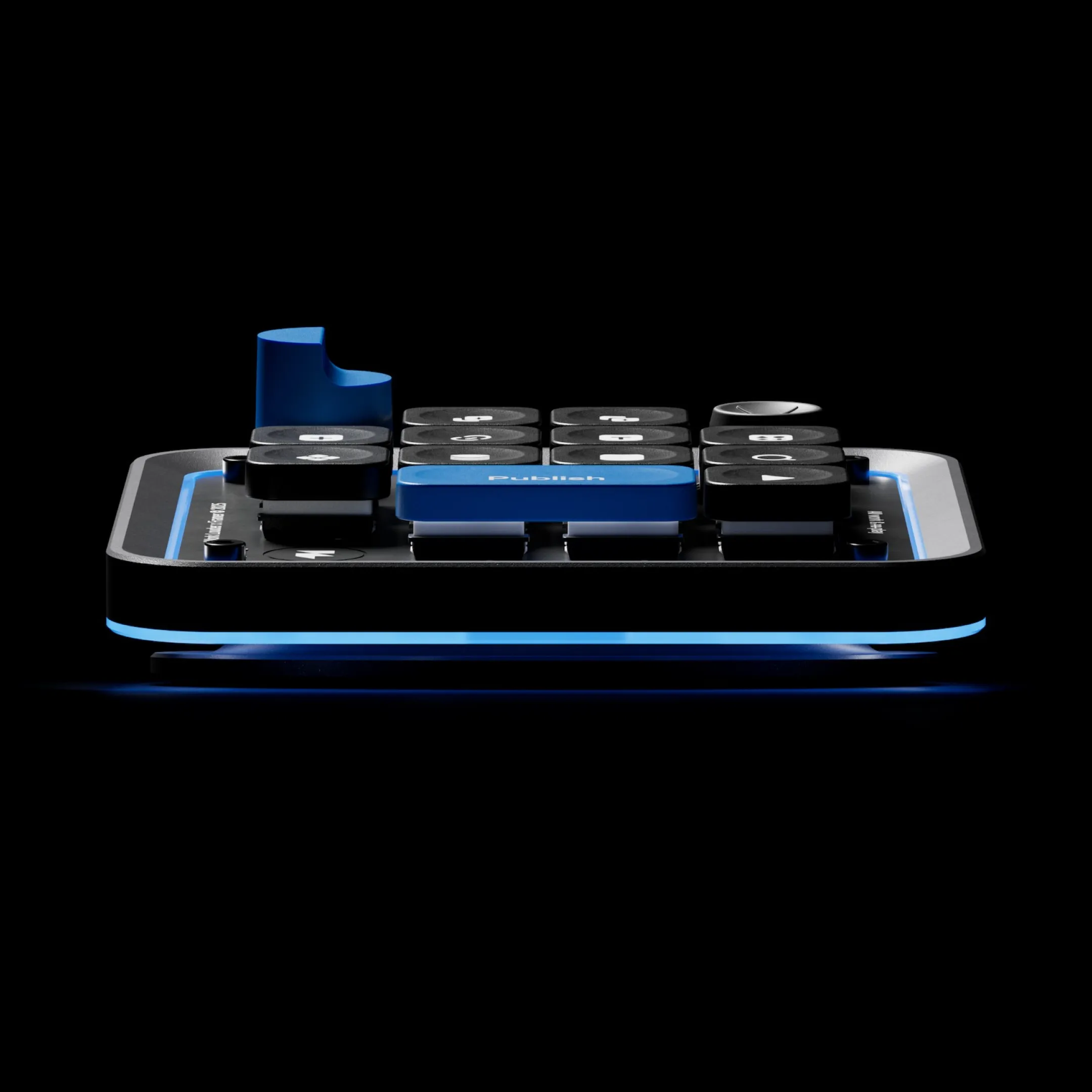
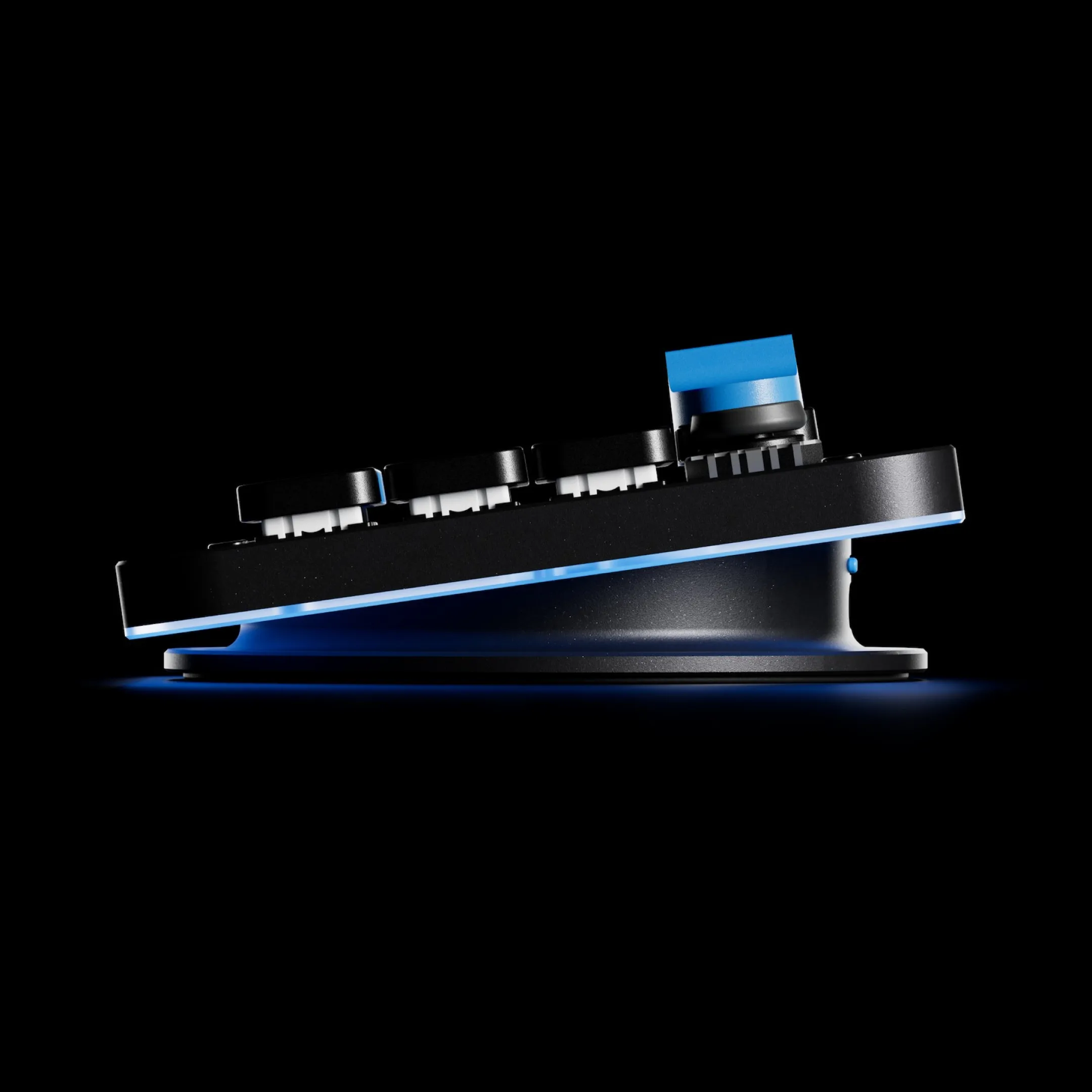
The Framer Creator Micro 2 has been designed to match real workflows, with quick-access buttons for common Framer actions like publishing or opening the CMS. Keycaps and shortcuts can be customized to fit individual needs. A built-in joystick provides access to a radial menu, allowing fast navigation and custom functions such as opening projects or inserting media. The layout is made to speed up work by reducing the need for menus and shortcuts.
The Framer Creator Micro 2 has been designed to match real workflows, with quick-access buttons for common Framer actions like publishing or opening the CMS. Keycaps and shortcuts can be customized to fit individual needs. A built-in joystick provides access to a radial menu, allowing fast navigation and custom functions such as opening projects or inserting media. The layout is made to speed up work by reducing the need for menus and shortcuts.
Designer
More Info


The DesignUplift newsletter
The DesignUplift newsletter
The best of industrial and product design, once a week.
The best of industrial and product design, once a week.